LinuxMint 19 Tara published on 29th June 2018. I have download it on 30th June and installed in my friends laptop. Today I am explaining the installation process in details. I have took screenshots of every moment during installation. Here is the images and descriptions. After reading the full post you would know “How to install LinuxMint 19 Tara” in harddisk.
First of all download LinuxMint 19 Tara ISO (Read the news at this post “
Linux Mint 19 Tara released and ready to download”). Check consistency with it’s md5 hash. Know
the way to check md5 has from this post. Burn the ISO in a Disk or USB stick. Change the BIOS settings and run live LinuxMint from the DVD or USB stick. Please be informed that, I am using Linux Mint 19 Mate edition to create this post.
Choose ‘Start LinuxMint’ in Boot section. Wait a bit, live session will start shortly. Now you are ready to install LinuxMint in your hard disk.
1. Double click on the disk icon labeled
“Install Linux Mint”. Installation will start, stay calm. It may take a minute to start installer.
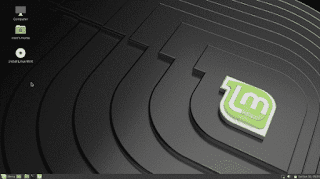 |
| Linux Mint 19 TARA Mate desktop |
2. Welcome screen will appear in-front of you. Choose your preferred language from the list shown left side.
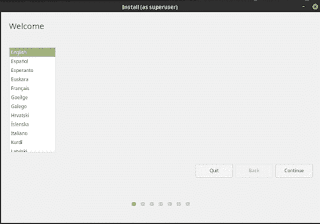 |
| Welcome slide show of Linux mint 19 installation |
3. Now choose your preferred Keyboard layout. I select
‘English (US)’. You could change it in your desired language. Selecting the language click on
‘Continue’ button.
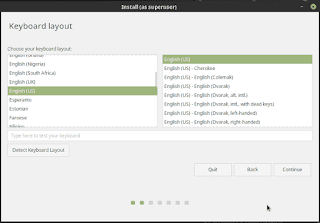 |
| Linux Mint 19 Tara installation choose keyboard language |
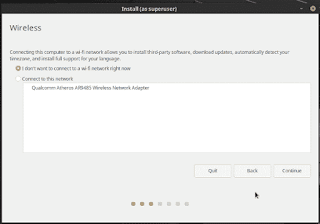
4. A new screen will ask you if you want to connect ‘Wireless’ network now or not. It said
Connecting this computer to a WI-fi network allows you to install third-party software, download updates, automatically detect your timezone, and install full support for your language.
 |
| Linux Mint 19 Tara installation connect wi-fi network |
You could connect with your machines own hardware in this moment. I choose ‘I don’t want to connect to a wi-fi network right now’. Because I could do updates, install third-party softwares later. I just wanted to install the OS as soon as possible.
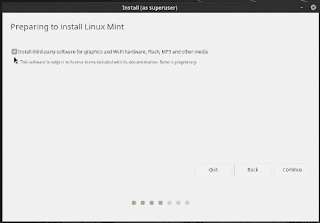
5. Now an another screen ask you to select an option. It said
“Install third party software for graphics and wi-fi hardware, flash, MP3 and other media”. To run this media it will install media codecs from the installation image. So I check mark the option and press
‘Continue’ to go next.
 |
| Preparing to install third party codecs |
6. This is a important section to start installation. It named
“Installation type”. Please select with cation because you could destroy your previous data if you make any mistake. Remember if you do any mistake, nothing can be undone or recover. I select ‘Something else’. Because this option give me full power to do anything.
 |
| Linux Mint 19 Tara Installation Type |
You could choose any one of the option shown here. All option have much information just below the title text. Say, if you choose first one, the new installation will work with previous operating system without making any problem. Your documents, music and other personal files will kept intact. Nothing will be deleted in installation process.
If you choose the second option “Erase disk and install Linux Mint” then everything (if you have anything) will be deleted at the moment of install new OS.
OK? now click on
‘Continue’ to go next level.
7. Now its the place for partitioning your hard-disk. You could do anything with your hard disk here. Here is my hard-disk. Its a 250 GB SSD.
 |
| Manage hard-disk partitions |
If you configure anything here an warning message will show the corresponding information. If you know what to do then do not hesitate. Just press
‘Continue’ to enter next.
 |
| Create and format HOME folder |
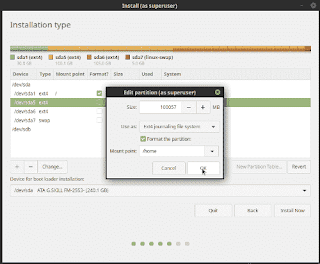
It is a warning message if I made any wrong selection. But I know that I am doing partition on a hard-disk. So no need to worry about anything. I just set a partition as my ‘HOME’ folder and tick on check-box to format this partition as ‘Ext4 journaling file system’. Keep in mind that it is normal.
 |
| LinuxMint19 Tara partition warning |
It is a regular warning which aware me if I made any wrong on the previous section. If you don’t believe yourself, then please click on ‘Go Back’ button and check everything again. But if you know what are you doing, then click
‘Continue’.
After completing partitioning the hard-disk you have made the hard-disk
to ready to take OS files. You could start copying installation
softwares now. So click on
‘Install Now’ button.
If you need some idea to partitioning a hard-disk, please feel free to ask me in the comment section.
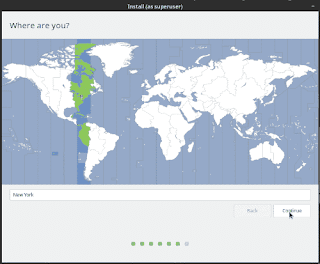
8. Install has not start yet. Please select your timezone. Let the system know where are you living in the political earth. Click on the country where does you live in.
 |
| Select your timezone |
9. Now inform the system about your identity. Who you are and what is your system name. That means it is the place for
‘User creation’. You should write a password here. You will get three options to make you system safe. You could encrypt the home folder. You could set the system to
‘Log in automatically’ or
‘Require the password to log in’. I always select it. Press
‘Continue’ to start installation.
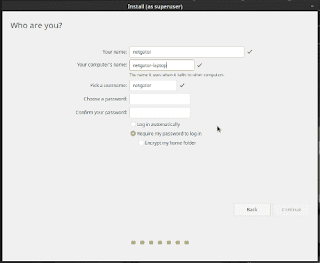 |
| Create user and set password |
10. Linux Mint 19 Tara installation has started. Look the progress bar that it advanced to to middle place in the background when you changing timezone or creating user information. Now time to stay relax. Look at the sky and take a deep breath. Or you could read the text on the splash screen of slide show. The first screen says
Welcome and thank you for choosing Linux Mint. This slide-show will show you around while the system is being installed on your computer.
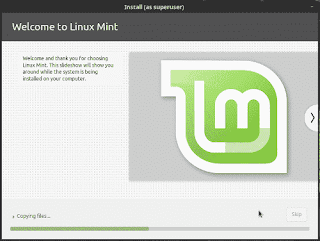 |
| Welcome in Linux Mint 19 installation |
11. Browse the web
Be fast and safe on the web with Mozilla Firefox. Enjoy Java, Flash and multimedia content
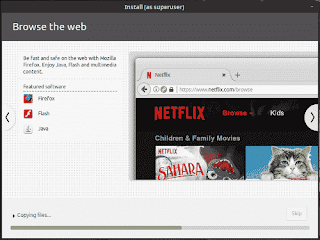 |
| LinuxMint19 Tara installation slide show browse the web |
12. Listen to music
Enjoy your music, listen to pod-casts and on-line radios.
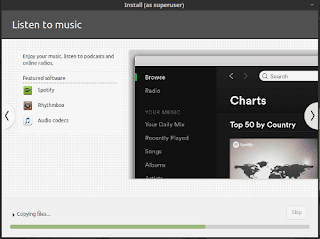 |
| Listen to music, pod-casts and radios |
13. Watch videos and DVDs
Insert a DVD and enjoy movie, Watch high-definition videos with VLC.
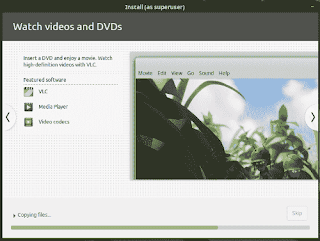 |
| Watch video and DVD |
14. Manage your photos
Organize, enjoy and share your photos. Export your albums to share them with friends and family.
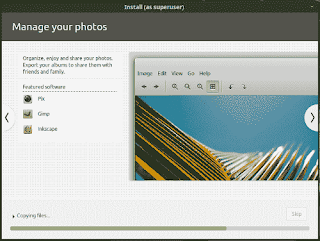 |
| LinuxMint19 Tara installation slide show manage your photos |
15. Stay connected
Keep in touch with your friends and contacts by email, messenger or on your favorite social networks. Linux Mint provides all you need to interact with twitter, Facebook, MSN, ICQ, Google Talk, AIM, Yahoo and many other networks.
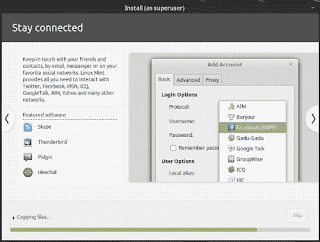 |
| Stay connected in twitter, facebook, msn. |
16. Be productive
Use LibreOffice to create professional documents, spreadsheets and presentations that are fully compatible with microsoft Office, Share printers or access them remotely.
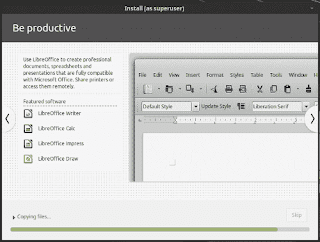 |
| Be productive with Libreoffice |
17. Install Software
Browse through 30,000 free applications from the Software Manager. Enjoy screen-shots and user reviews. Install software with one click of the mouse.
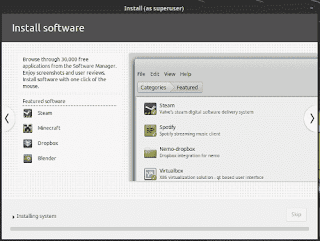 |
| Install softwares with software manager |
18. Run Windows softwares
Install Wine and run Windows Software in Linux Mint. Or install Virtualbox, and run Windows itself within Linux Mint.
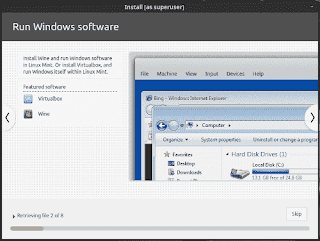 |
| Run windows softwares using wine in LinuxMint |
19. Customize your desktop
Make yourself at home and modify any aspect of your desktop. Choose from a large variety of themes, icons and backgrounds. Linux Mint is open and easy to customize.
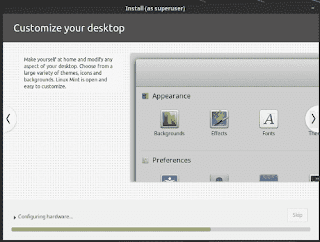 |
| Linux Mint 19 Tara installation slide show customize desktop |
20. Keep your system up to date
Receive fixes and security updates all in one place, for the entire system including the software you install.
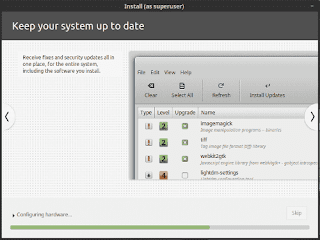 |
| Keep system up-to-date |
21. Find Help
If you’re curious about something or if you’re facing a problem, simply ask around. Linux Mint is one of the most popular desktop Linux distributions and used by millions of people. It comes with a user guide, a community website, a collection of tutorials, active forums and chat rooms and one of the most dynamic communities on the internet.
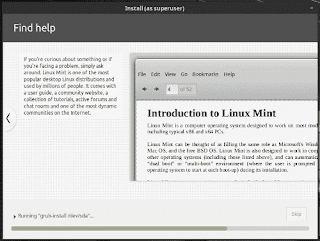 |
| Linux Mint 19 Tara installation slide show find help |
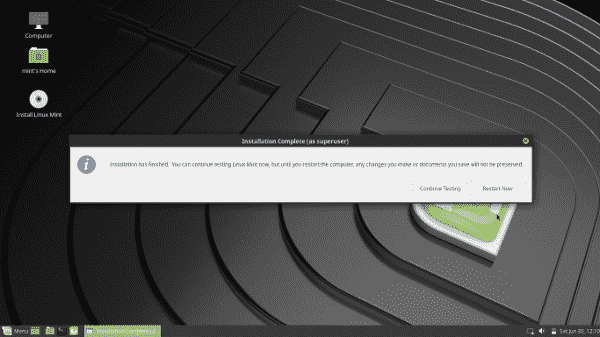
At last you have done. Installation is complete. So a message will appear and said:
Installation has finished. You can continue testing Linux Mint now, but until you restart the computer, any changes you make or documents you save will not be preserved.
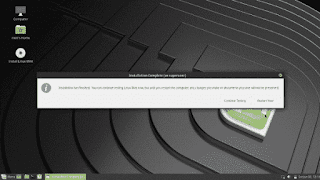 |
| Linux Mint 19 Tara installation complete |
My suggestion is if you made any documents in live mode then save them in a USB stick.
Now, it’s time to restart the computer, pull out the installation disk or USB stick and taste the fresh flavors of Linux Mint 19 Tara.
I have 2GB RAM on a AMD Duel Core processor in this test machine. In my case installation takes 18 minute only.